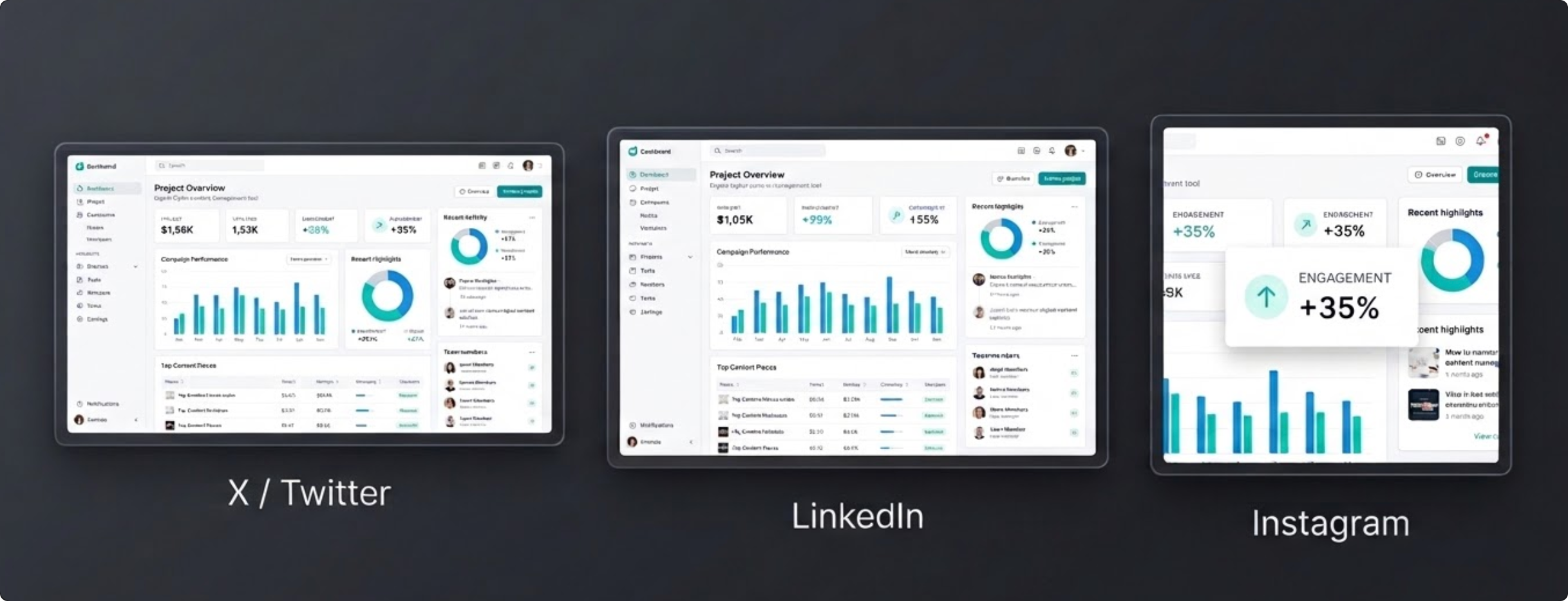
Why preset sizing saves time
Different platforms favor different aspect ratios. Presets remove guesswork and reduce repeated exports, especially when one screenshot needs to be posted across multiple channels.
Preset export workflow
- Load your screenshot or mockup.
- Select a platform preset in layout controls.
- Adjust framing and spacing while previewing the target ratio.
- Export a channel-ready image.
Best use cases
Social presets are ideal for product announcements, launch threads, changelog updates, newsletter visuals, and campaign creatives where consistent sizing matters.
Social export checklist
- Pick the destination platform before finalizing composition.
- Keep key UI details away from safe-area edges that can be cropped.
- Export multiple ratios when the same update will be posted across channels.
- Preview for readability on mobile feeds before publishing.
FAQ
Which preset should I use for before-and-after product screenshots?
Start with wider ratios for side-by-side readability, then generate platform-specific variants as needed.
Should I export one screenshot in multiple sizes?
Yes. The same visual usually performs better when exported per channel ratio instead of reusing one size everywhere.
Why do screenshots look cropped after posting?
Crops happen when the exported ratio does not match how the platform renders previews in-feed.
Ship screenshots that fit every platform
Use FramedShot presets to move from raw capture to post-ready export without resizing in separate tools.
Open Social Presets Landing