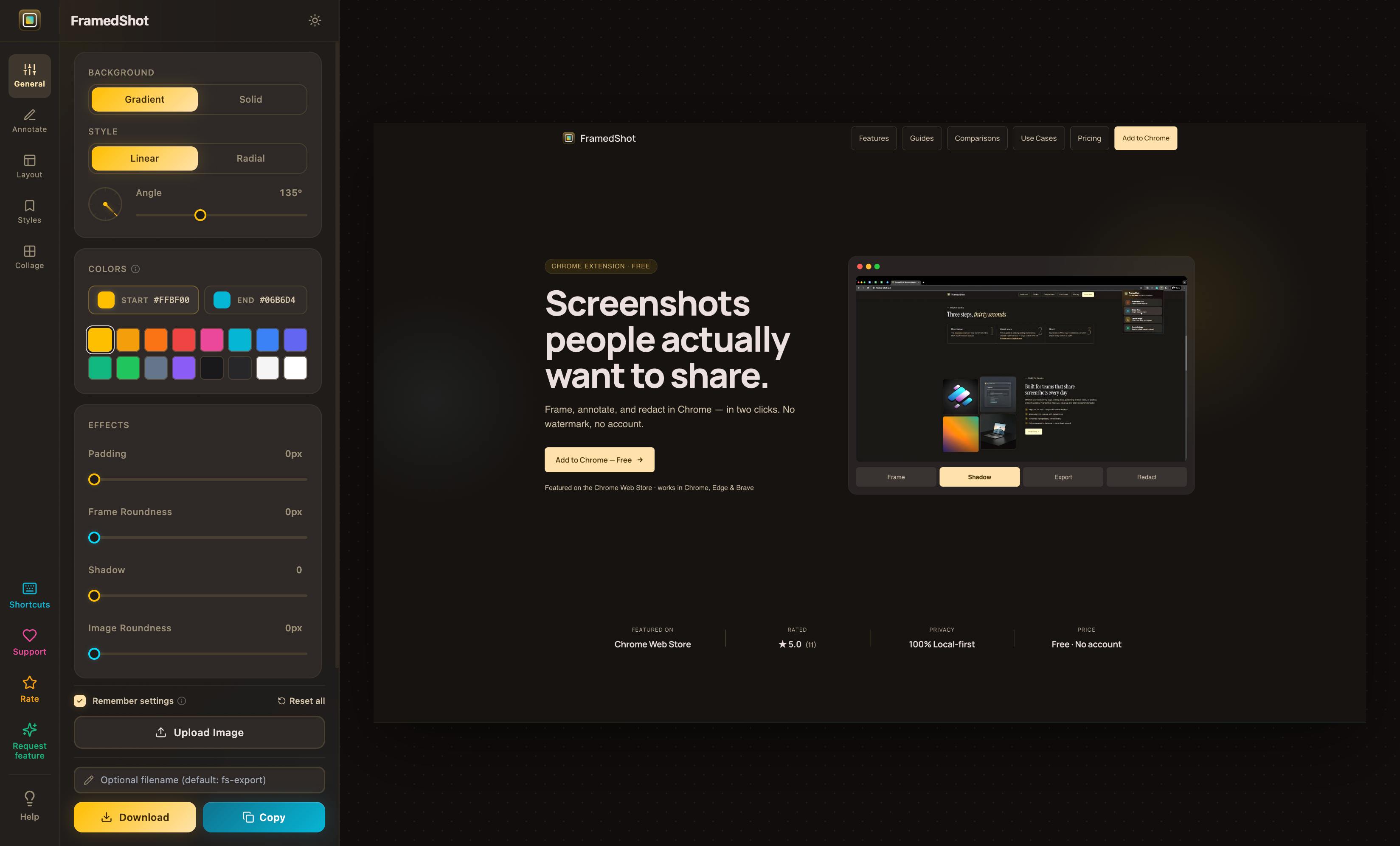
Screenshots people actually want to share.
Frame, annotate, and redact in Chrome — in two clicks. No watermark, no account.
Featured on the Chrome Web Store · works in Chrome, Edge & Brave
From raw to polished in seconds
Click a color, drag a slider, ship a clean screenshot. No installs, no uploads.
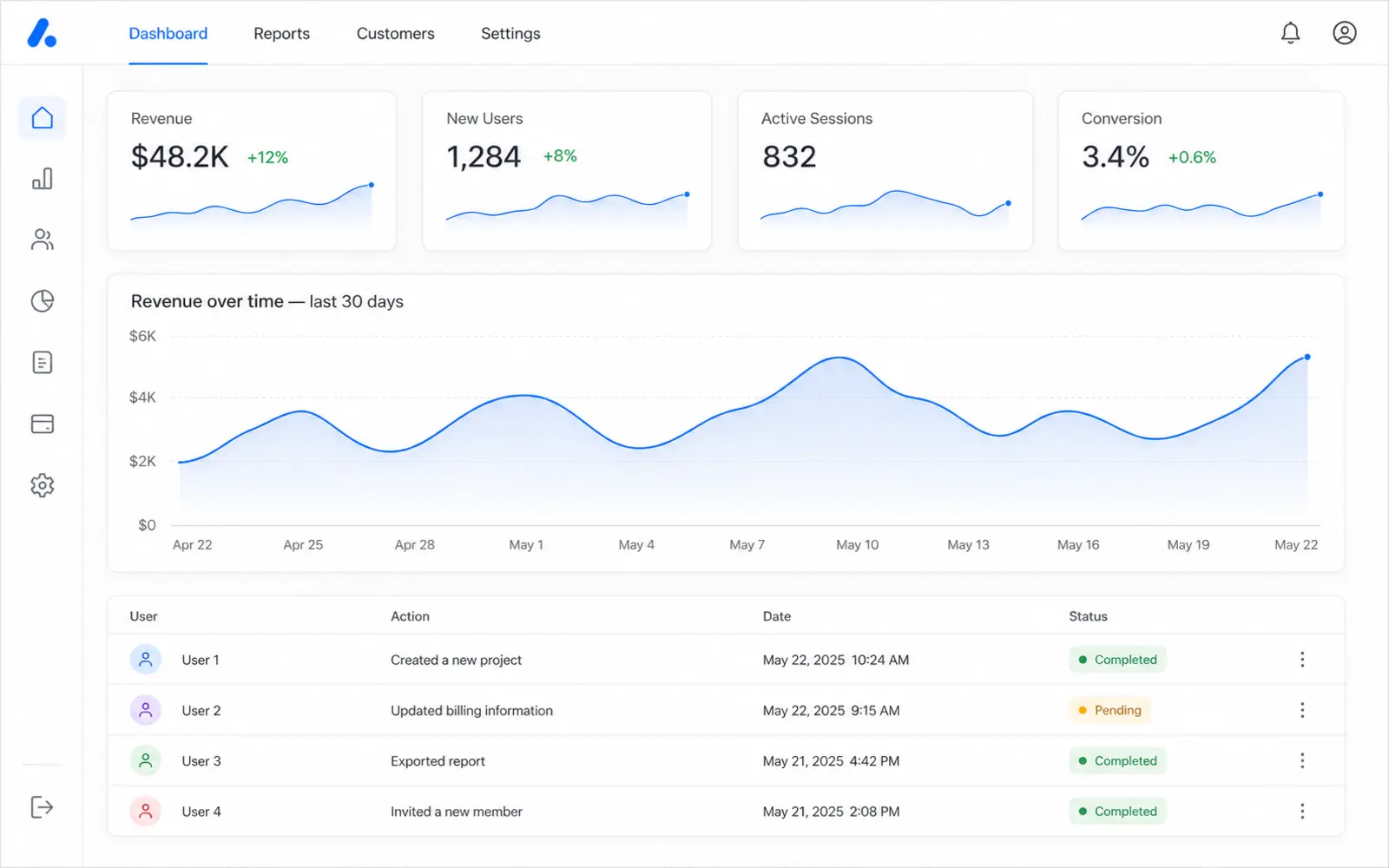
Three steps, thirty seconds
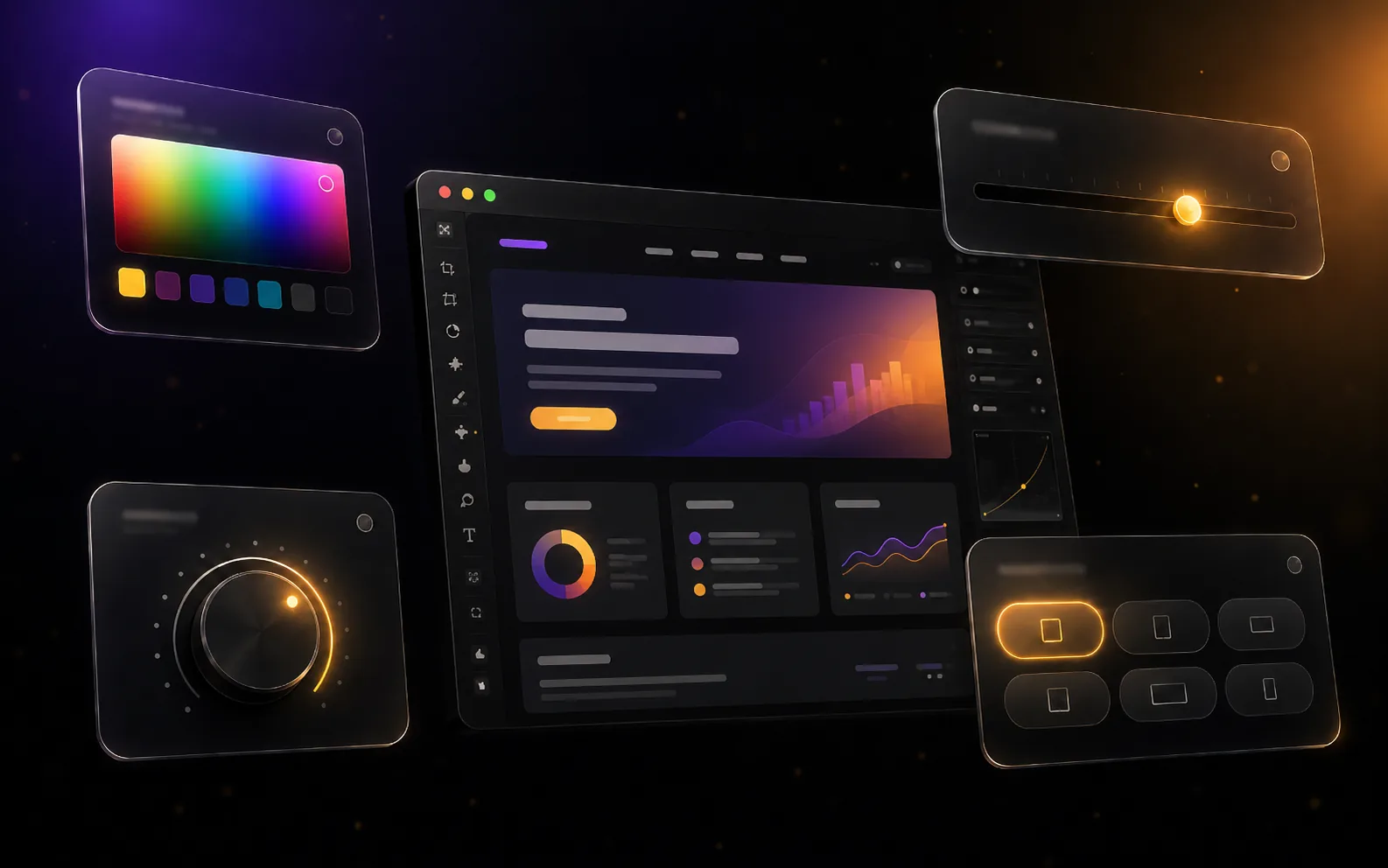
Make it yours
Pick a gradient, adjust padding and shadow, then choose a platform size — or go custom with the browser mockup generator.
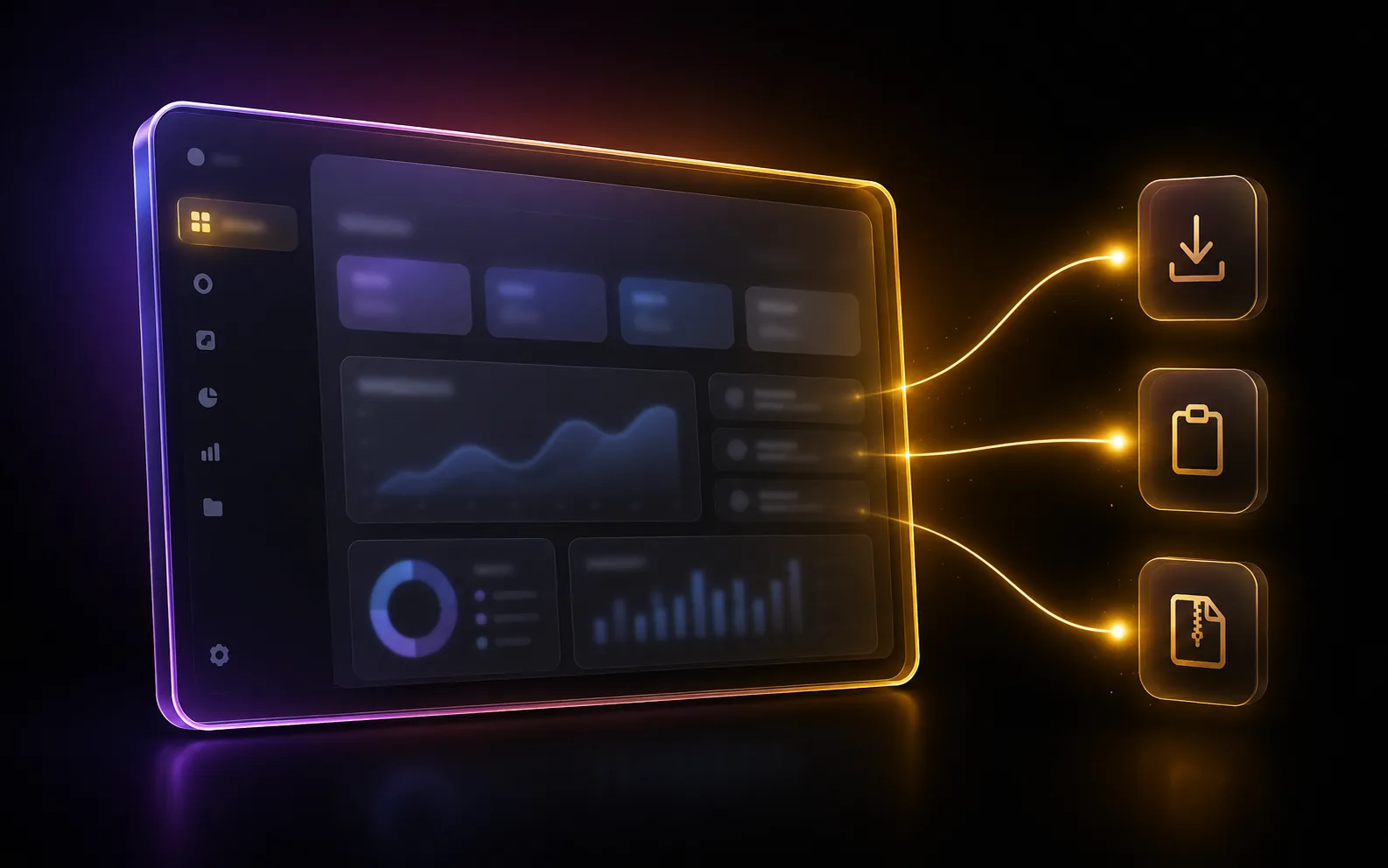
Ship it
Download as PNG, copy to clipboard, or batch-export every format as a ZIP.
The complete screenshot editor
Background, annotations, layout, styles, collage — every tool in one place. No popups, no installs.
Curated for precision
Every tool you need to turn a raw screenshot into a shareable asset — frames, backgrounds, redaction, presets, and collage.
Trusted by builders & creators
"Just what I needed!!! I take screen shots ALL the time to send to my clients and my desktop was FULL of a sea of endless screenshots! I sorted that out now!"
"As an IT company, we've found this extension surprisingly effective for improving how we present screenshots in documentation and client deliverables. It helps maintain a consistent, polished look with minimal effort."
"Really handy extension if you take screenshots often. I like how it makes everything look clean and polished without needing extra editing tools. The interface is simple, easy to use. Been using it daily."
"This is super cool! As a designer, it helps me in my day to day workflow when I need to make a lot of screenshots, annotate them, and hand off to developers or others for feedback."
"A very efficient tool that I use on a daily basis."
How FramedShot compares to other Chrome screenshot extensions
| Feature | FramedShot | GoFullPage | Awesome Screenshot | Lightshot |
|---|---|---|---|---|
| Browser frames & mockups | ✓ Yes | ✕ No | ✕ No | ✕ No |
| Social media export presets | ✓ Yes | ✕ No | ✕ No | ✕ No |
| Redaction (blur, pixelate, solid fill) | ✓ All three | ✕ None | Blur only | Blur only |
| Annotation tools | ✓ Yes | Premium only | ✓ Yes | ✓ Basic |
| Local-first (no upload) | ✓ Yes | ✓ Yes | ✕ No | ✕ No |
Dig in deeper
Guides for the common workflows and deep dives on the features that make FramedShot different.
How to add a browser frame to a screenshot
A clean workflow for turning a raw browser capture into a polished mockup without bouncing between upload tools.
Read guideHow to redact sensitive info in screenshots
What to hide, how to pick blur vs pixelate vs solid fill, in a fully local FramedShot workflow.
Read guideBest screenshot sizes for X, LinkedIn, Instagram
Reference for the most useful social media image sizes plus a multi-channel export workflow.
Read guideBrowser mockup generator
Framed browser screenshots for presentations, slide decks, demos, and stakeholder updates — in Chrome.
ExploreAnnotate screenshots in Chrome
Arrows, highlights, and text callouts when screenshots need explanation, not just capture.
ExploreCompare screenshots side by side
Build before/after and release recap visuals using clean collage layouts.
ExploreSee more: All guides · All features · Use cases · Comparisons
Ready to frame your success?
Join developers, designers, and creators who care about how their work looks — even in a screenshot.