Key takeaways
- Social-ready screenshots should be exported for the final channel, not treated as one-size-fits-all assets.
- Canvas size affects readability, cropping risk, and how much supporting padding the screenshot can carry.
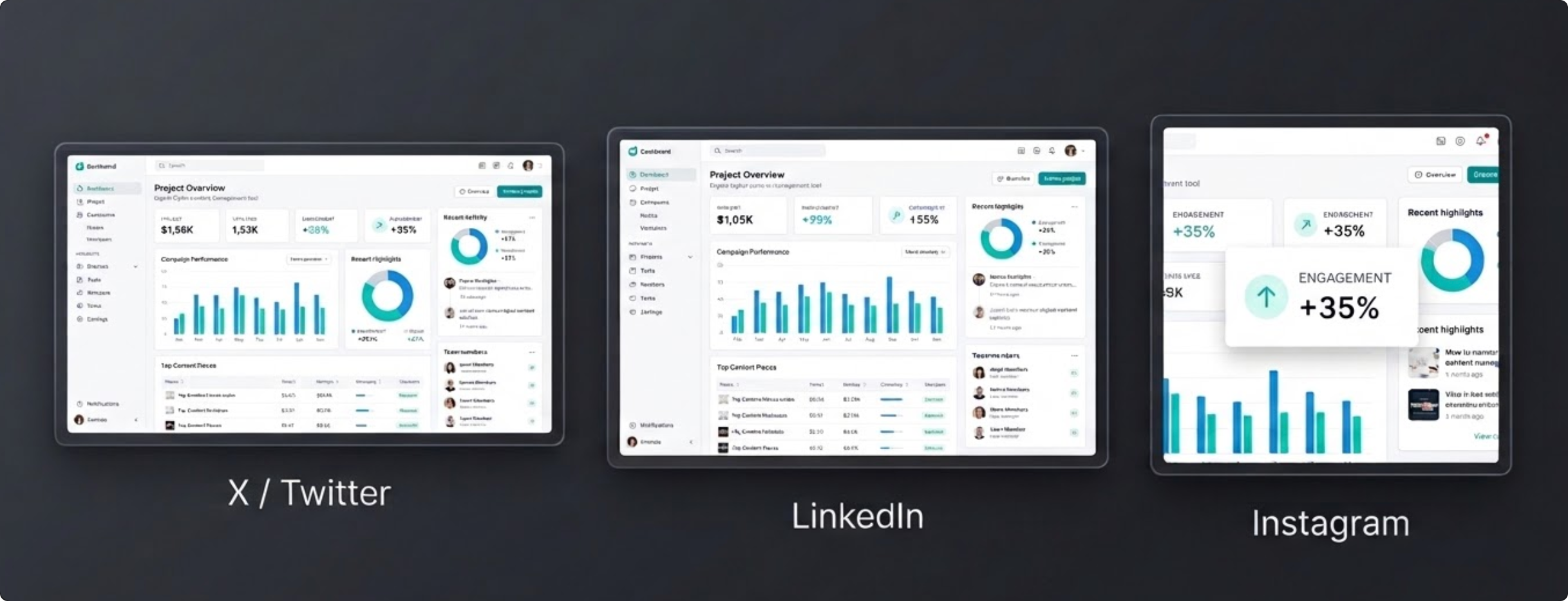
- One well-composed screenshot can be exported into several platforms if the workflow is set up correctly.
Why screenshot size matters
When people say a screenshot looked good in the editor but bad after posting, the issue is usually not the screenshot content. It is the canvas around it. The wrong size forces awkward cropping, shrinks text too far, or leaves too much empty space for the feed where it appears.
The more often you publish screenshots to several channels, the more expensive this gets. Rebuilding the same image for X, LinkedIn, Instagram, and a changelog page is a drag unless your tool supports presets and repeatable exports.
A practical reference table
| Platform | Recommended size | Best use |
|---|---|---|
| X / Twitter | 1600 x 900 | Product updates, launch posts, Build in Public screenshots |
| 1200 x 627 | Professional announcements, changelogs, team updates | |
| 1080 x 1080 | Square carousels, teaser visuals, polished feature callouts | |
| YouTube | 1280 x 720 | Video companion graphics, thumbnails, launch recaps |
| 1000 x 1500 | Tall reference graphics, tutorial promos, educational visuals | |
| Custom | Any x Any | Landing pages, docs, email headers, internal shares |
These values match the preset sizes shown across FramedShot. You do not need to memorize them. You need a faster way to export the right size when every channel needs a different shape.
A one-to-many export workflow
- Start with the cleanest base image. Capture the best possible screenshot first. Good composition at the source saves time later.
- Pick the layout once. Add the browser frame, padding, background, and any annotations before you think about channel sizes.
- Apply presets after the look is stable. Once the visual direction feels right, switch through the relevant output sizes to see which channels need tighter spacing or larger focal content.
- Batch export if you need several outputs. This is where preset packs and multi-format export save time. The goal is to finish one design pass, not repeat three nearly identical ones.
Composition tips by platform
X / Twitter
Wide screenshots work well when the core UI has a strong center. Keep the surrounding padding controlled so the main UI does not shrink too much in the feed.
Readability matters more than visual drama. Slightly larger padding and cleaner gradients usually outperform louder stylistic choices here. If you are showcasing a project or preparing a launch, see the portfolio mockup guide for a full consistency workflow.
Square canvases reward a tighter, more intentional crop. If the interface is wide, consider centering the most important area rather than forcing the whole browser window into the frame.
YouTube and Pinterest
These are useful when a screenshot supports a broader content asset. The right export size makes the screenshot reusable in promotion without rebuilding from scratch.
Export checklist
- Make sure the product UI is large enough for the final feed size.
- Check whether captions or surrounding post text will compete with the screenshot.
- Use higher-resolution export if the screenshot includes small type or detailed UI.
- Keep the background and padding consistent across related posts so the series feels intentional.
FAQ
Do I need a different screenshot for every platform?
Not always. Often you need one strong base image plus a few preset-specific exports. The less manual recreation involved, the better.
What matters more: resolution or aspect ratio?
Both matter, but aspect ratio is usually the first problem. If the canvas shape is wrong, even a sharp export can still feel awkward or heavily cropped.
When should I use a custom size?
Use custom dimensions when the screenshot is headed for a landing page, support article, email header, or any layout with its own constraints.
Want presets built into the workflow?
FramedShot includes social-friendly size presets so one screenshot can become several polished exports without rebuilding each layout by hand. To get started quickly, get the FramedShot browser mockup extension.
Install FramedShot