When this use case appears
You are announcing a new feature, release, or fix on social media and need screenshots that are readable in feed, not cropped awkwardly or padded inconsistently.
Why FramedShot helps
- Platform presets remove guesswork on dimensions.
- Browser frame and spacing controls keep visuals clean.
- Collage mode supports before/after or multi-panel announcements.
Recommended workflow
- Pick target platform size before styling.
- Capture the key product state and apply frame/background.
- Add collage layout if you need multiple states in one post.
- Export and publish with consistent visual hierarchy.
Channel-specific screenshot strategy
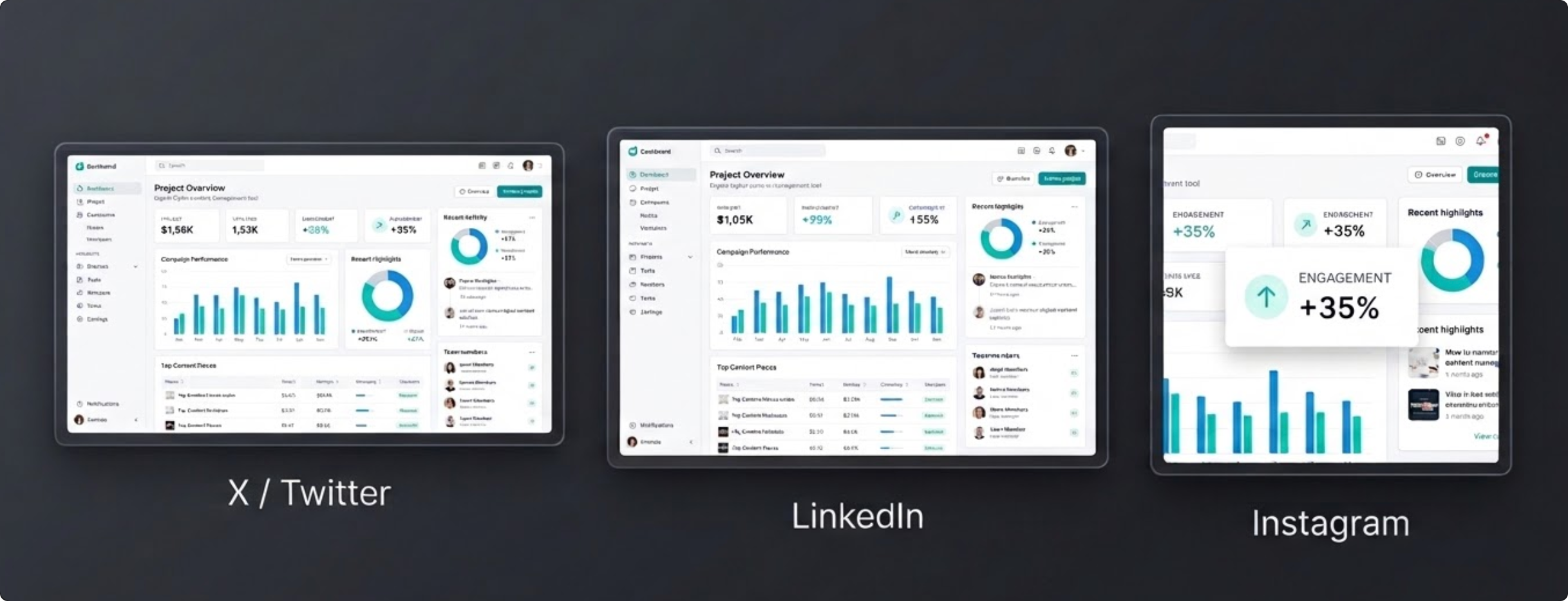
Each platform rewards different composition. On X, clarity in the first glance matters most. On LinkedIn, cleaner spacing and less visual noise tends to perform better for product updates. On Instagram, vertical framing helps screenshots occupy more feed space. Use the guide on screenshot sizes for X, LinkedIn, and Instagram for exact pixel dimensions and safe zones per channel.
Start with one master screenshot workflow, then export channel-specific variants rather than forcing one universal image everywhere.
Announcement checklist before publishing
- Lead image answers one question: “What changed?”
- Before/after visuals use the same framing for fair comparison.
- Final export has readable text at mobile feed size.
If your post compares your workflow against alternatives, link directly to a relevant page in the FramedShot comparisons hub to capture decision-stage traffic. For a no-upload way to frame social screenshots, see the free Screely alternative.
For launch week campaigns, create a small visual pack in advance: one hero screenshot, one side-by-side proof image, and one social-sized variant per channel. Reusing this structure keeps your output consistent while reducing production time.
If Product Hunt is part of the launch, follow the Product Hunt gallery image size guide for the 1270×760 carousel dimensions and the composition rules that decide whether the first frame earns a click.
Make social announcement screenshots look intentional
Use FramedShot to publish polished product visuals across channels without resizing in separate apps.
Install FramedShot