Why Screely users look for an alternative
Screely is built around a single step: paste or upload an image, pick a background, get a browser frame, download. For a one-off graphic that's fine. It starts to grate when screenshots are part of a regular workflow, because every image has to leave your machine and pass through Screely's server before you can style it.
Two things push people to look elsewhere. The first is privacy: product screenshots routinely contain API keys, customer data, internal URLs, and dashboards you'd rather not upload anywhere. The second is friction: you capture in one place, then re-upload into Screely, then download again. For anyone framing more than the occasional image, that round trip adds up.
What FramedShot matches in Screely
Browser frames. Realistic browser-window mockups in macOS and Windows styles, light or dark, with controls for spacing and background. The browser mockup generator covers the same "wrap a screenshot in a clean frame" job that Screely is known for. Prefer nothing to install? The free browser mockup tool does it in your browser.
Gradient and solid backgrounds. Drop the framed screenshot onto a colored or gradient background for thumbnails, launch posts, and release notes. Same visual outcome.
Padding, rounding, and export. Adjust outer spacing, corner rounding, and export scale, then copy to clipboard or save as PNG. The few controls that make Screely fast are here too.
What FramedShot adds that Screely doesn't
No upload. FramedShot processes the screenshot inside the Chrome tab. Nothing is sent to a FramedShot server during capture, editing, or export. For screenshots with sensitive content, that's the difference between a styling tool you can use on real work and one you can't.
Capture and frame in one flow. Screely starts after you already have an image. FramedShot captures the current tab, a selected region, or an uploaded file, then styles it in the same window, so there's no separate capture-then-upload hop.
Annotation and redaction. Arrows, text, highlights, plus blur, pixelate, and solid fill for sensitive data. If a screenshot needs a callout or a masked API key before it ships, you can redact sensitive info in screenshots without a second tool.
Social export presets and collages. Export at the right dimensions for X, LinkedIn, and other platforms, or combine several screenshots into one collage. Screely stops at a single framed image.
FramedShot as a free Screely alternative
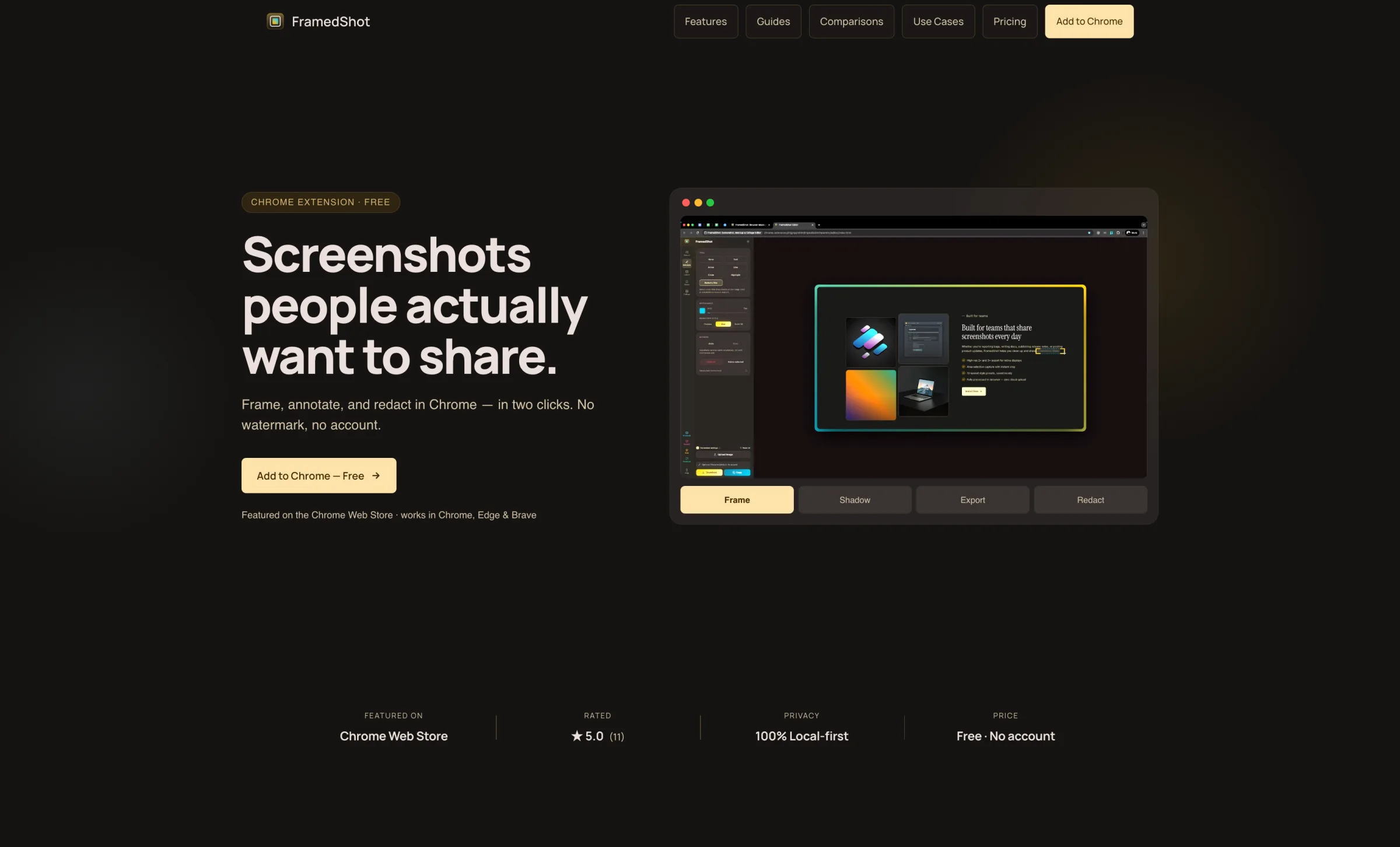
As a free Screely alternative, FramedShot keeps the part people actually like — fast browser-frame styling — and removes the upload step that makes Screely awkward for day-to-day work. It's a Chrome extension rather than a website, so the screenshot you're framing never has to travel to a server and back.
If you've been searching for a Screely alternative because you don't want to upload work screenshots, or because you want annotation and redaction in the same place, this is the closest browser-native match. Core framing, backgrounds, and export are free, with no account and no watermark.
How to switch from Screely
- Install FramedShot from the Chrome Web Store.
- Click the extension icon and capture the current tab, select a region, or upload an existing screenshot.
- Pick a browser frame and a background from the editor.
- Adjust spacing and rounding, and add annotations or redactions if the image needs them.
- Export — copy to clipboard or save as PNG, or pick a social preset.
No login, no project files, no re-upload. The framing loop is the same handful of clicks Screely gives you.
When Screely is still a fine choice
If you only need to frame the occasional image and you're not working in Chrome, Screely's website is genuinely quick — there's nothing to install, and you paste an image straight in. FramedShot is the stronger fit when screenshots are part of a recurring workflow, when the content is sensitive, or when you want capture, annotation, redaction, and export in one place instead of a frame-only step. For most product and developer screenshot work, that's the common case, but it's worth knowing where each tool fits.
Frame screenshots in Chrome, without the upload
A free Screely alternative with browser frames, redaction, and social exports — no account, no watermark, nothing uploaded.
Install FramedShot free