Why look for a Markup Hero alternative
Markup Hero does annotation well, and its strength is the cloud side: a shareable link for every markup and a history you can return to across devices. For some workflows that is exactly right. For others it is friction. You sign in, the screenshot is uploaded to create the link, and a copy lives in a hosted library.
People usually look for an alternative for one of two reasons. They do not want work screenshots, often full of customer data, dashboards, or internal URLs, leaving their machine. Or they just want to annotate and export quickly without an account and a link they then have to manage. A local, browser-based tool removes both.
What FramedShot matches in Markup Hero
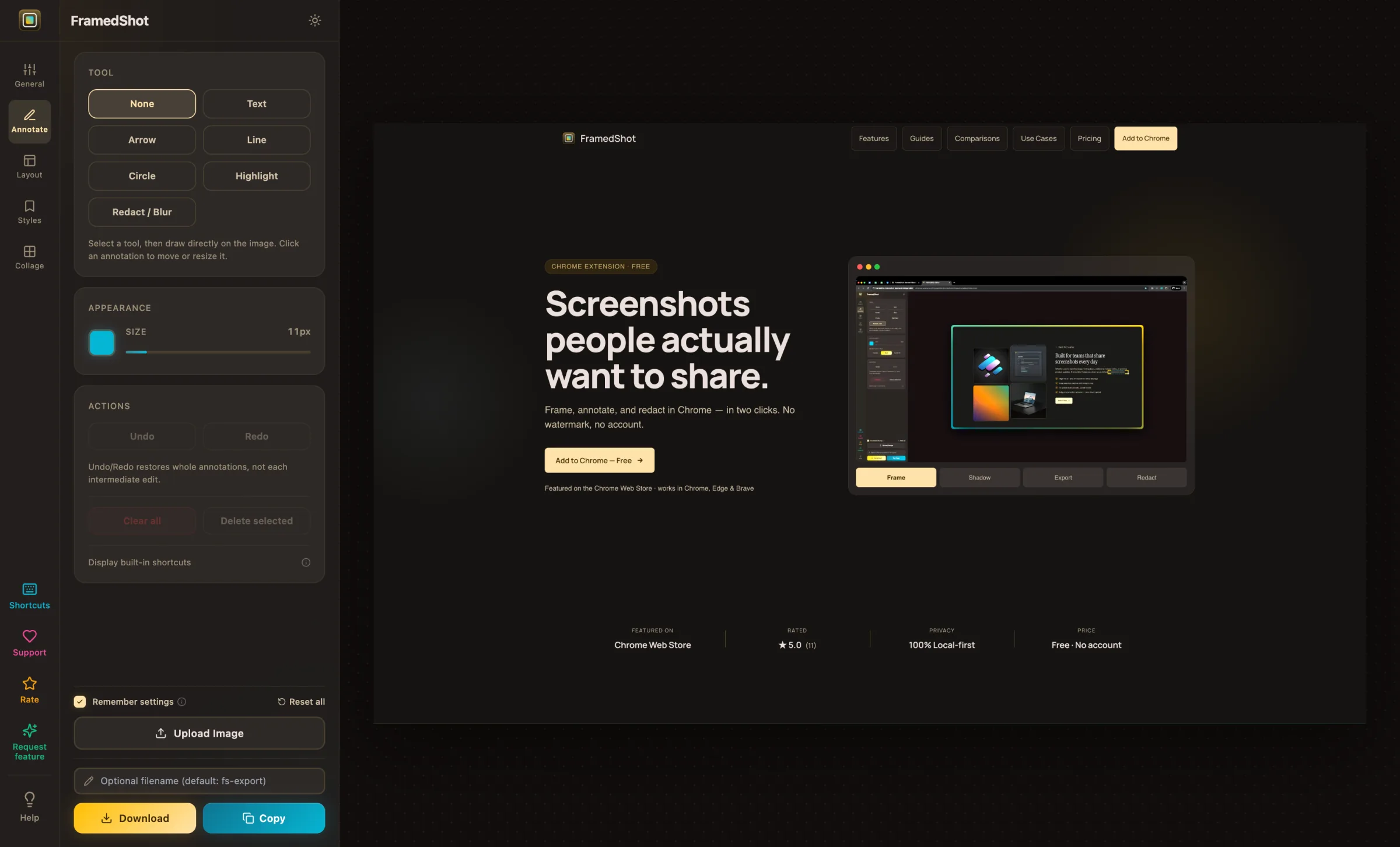
Annotation tools. Arrows, text, highlights, circles, and lines, placed directly on the screenshot. The annotate screenshots in Chrome feature covers the same "point at the thing and explain it" job that Markup Hero is used for.
Capture and edit in one place. Capture the current tab, select a region, or upload an existing image, then mark it up in the same window. For the step-by-step, see how to annotate screenshots in Chrome.
Quick export. Copy to clipboard or save the annotated image. The fast capture-to-shared loop is intact.
What FramedShot does differently
It is local. FramedShot annotates inside the Chrome tab and does not upload the screenshot to create a link or a history entry. Nothing has to leave your machine to get marked up.
No account, no library to manage. There is no sign-in and no hosted history. You annotate, export, and you are done, which also means there is no cloud copy to remember to delete later.
Redaction. Beyond annotation, FramedShot adds blur, pixelate, and solid fill for sensitive data. If a screenshot needs a masked API key or a hidden email before it ships, you can redact sensitive info in screenshots in the same editor.
Browser frames and presets. Wrap the result in a clean browser frame, or export at social dimensions, when the annotated screenshot is going somewhere public.
FramedShot as a free Markup Hero alternative
As a free Markup Hero alternative, FramedShot keeps the part people rely on, fast on-image annotation, and drops the upload, the account, and the hosted history. It is a Chrome extension, so the screenshot you are marking up stays in the browser instead of being sent off to generate a link.
If you have been searching for a Markup Hero alternative because you would rather not upload work screenshots, or you want redaction and framing alongside annotation, this is a close browser-native match. Core annotation, redaction, and export are free, with no account and no watermark.
How to switch from Markup Hero
- Install FramedShot from the Chrome Web Store.
- Click the extension icon and capture the current tab, select a region, or upload an existing screenshot.
- Add arrows, text, highlights, and shapes from the annotation tools.
- Redact anything sensitive and add a browser frame if the image is going public.
- Export — copy to clipboard or save the annotated image.
No login, no upload, no link to manage afterward.
When Markup Hero is the better choice
If your workflow is built around shareable links and a cloud-hosted history you can search across devices and teammates, Markup Hero is designed for exactly that, and FramedShot is not a like-for-like replacement there. FramedShot is local-first and does not host a cloud library, so it is the stronger fit when annotation, redaction, and export should happen on your machine without an account. If the hosted link and history are the feature you actually want, stay with Markup Hero.
Annotate screenshots in Chrome, without the upload
A free Markup Hero alternative with annotation, redaction, and browser frames — no account, no watermark, nothing uploaded.
Install FramedShot free