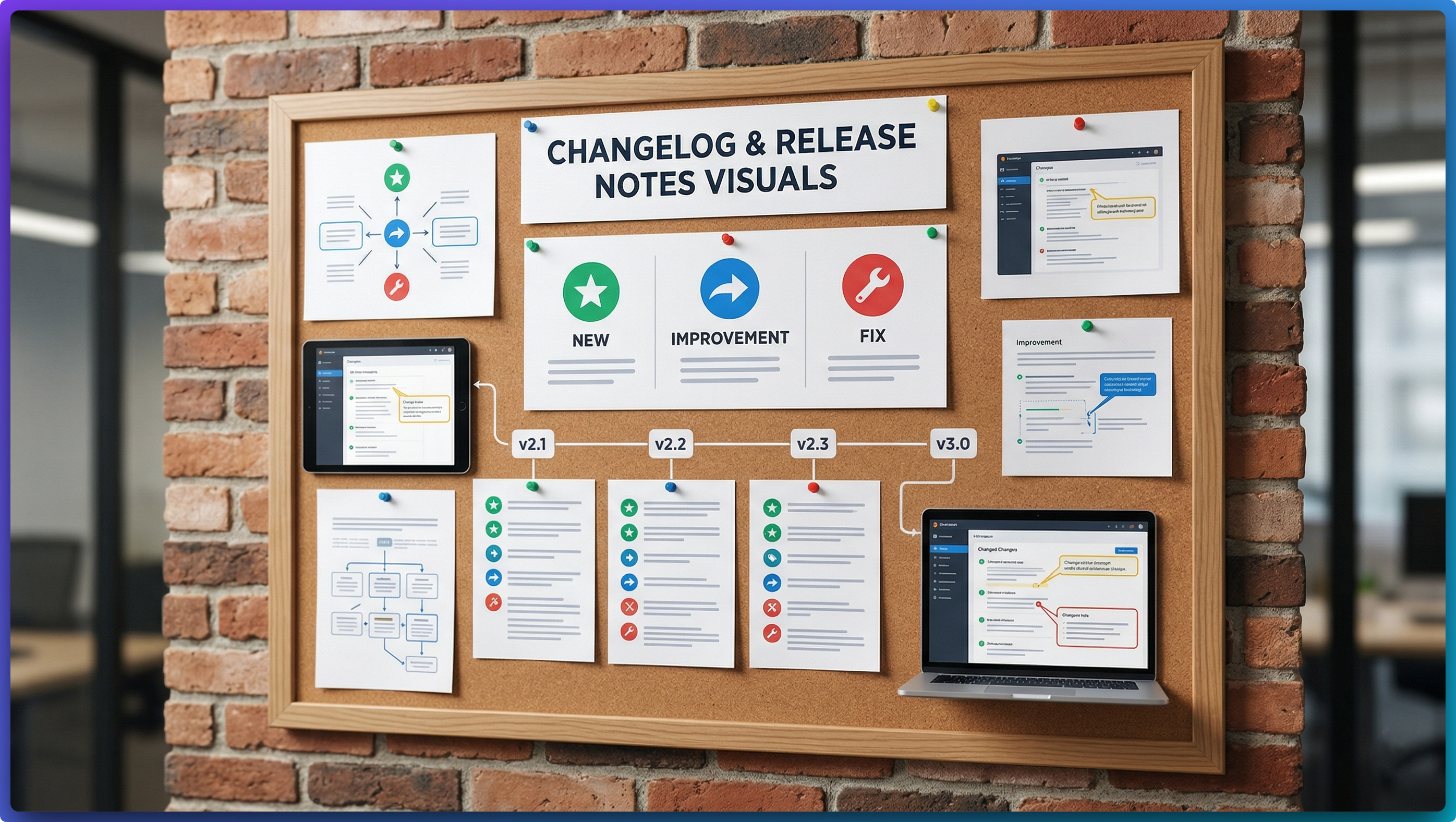
When this use case appears
You ship frequently and need screenshot assets for release notes, changelog timelines, or update emails. Manual styling creates inconsistency and slows publication.
Why FramedShot helps
- Consistent browser framing creates visual continuity.
- Preset sizes simplify publishing to docs and social channels.
- Collage layouts help summarize multiple changes in one image.
Recommended workflow
- Capture one screenshot per major update.
- Apply a consistent frame/background style preset.
- Use collage layout when one release needs multiple states.
- Export in the exact dimensions required by your destination.
Build a repeatable release visual system
Treat release screenshots as a system, not one-off images. Keep one reusable style profile (frame, padding, gradient family, and export scale) so every changelog issue looks like part of the same product brand. Teams usually lose time by rebuilding these settings per release.
For the full practical walkthrough, follow the changelog screenshot workflow guide.
When an update includes multiple UI changes, publish one side-by-side collage summary plus one close-up screenshot for the biggest improvement. This keeps release notes scannable while still proving detail.
Release visual QA checklist
- Confirm each screenshot reflects shipped UI, not staging artifacts.
- Keep annotation minimal; changelog visuals should explain changes, not become diagrams.
- Export a web-ready size and a higher-resolution archive version for future retrospectives.
A practical cadence is to prepare screenshot assets during QA signoff, not after release copy is finalized. That way, changelog visuals are already approved when the release note draft is ready to publish.
Standardize your release visuals
Use FramedShot to build a repeatable changelog screenshot pipeline your team can follow every release.
Install FramedShot