When this use case appears
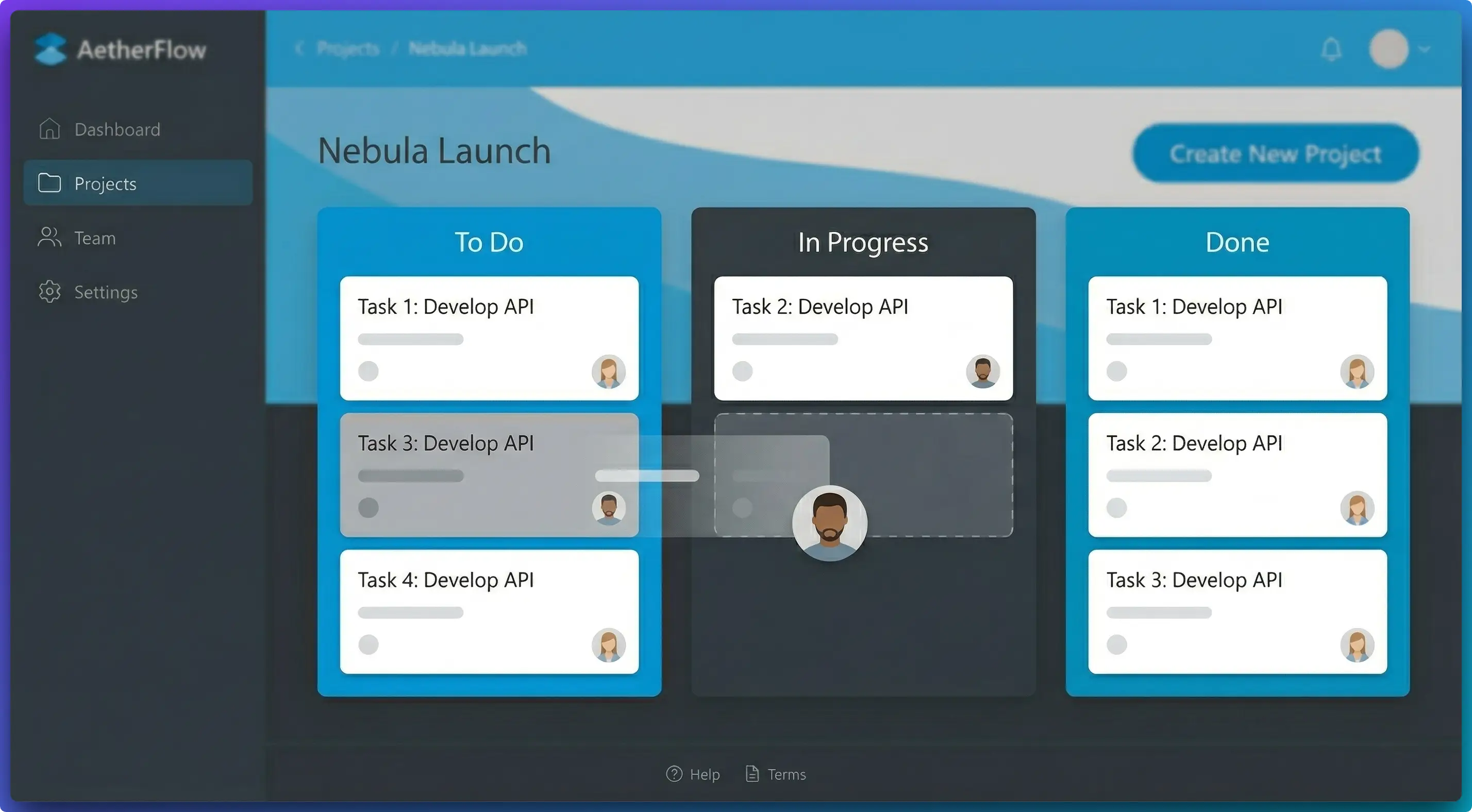
You are writing a setup guide, onboarding flow, or support article and need screenshots that explain each action without distracting styling differences.
Why FramedShot helps
- Annotation tools highlight exactly what users should click.
- Style controls keep all tutorial screenshots visually consistent.
- Redaction protects user data in support-focused docs.
Recommended workflow
- Capture one screenshot per tutorial step.
- Apply annotation only where guidance is needed.
- Keep one shared style preset for all steps.
- Redact sensitive fields before publishing documentation.
What makes tutorial screenshots easy to follow
Documentation screenshots fail when every image looks different or crowded. Keep one framing style and one annotation style for the whole tutorial. The reader should learn the product, not your visual formatting changes.
For long help articles, pair focused screenshots with one high-level overview image so users can orient themselves before step-by-step instructions.
For a consistent “product in the browser” look across articles, use the same framing preset: add a browser frame to SaaS and help-center screenshots (spacing, export); the browser mockup generator for presentations and docs is the install-first entry in Chrome.
Documentation screenshot checklist
- Use one visual style profile across all steps.
- Highlight only actionable controls and avoid decorative callouts.
- Double-check privacy fields in support and account-management screens.
When onboarding flows need multiple step states in one frame, use side-by-side collage layouts instead of uploading several disconnected images.
If your docs team publishes weekly, keep a shared screenshot style guide with exact framing and annotation rules. New contributors can follow the same visual system without reinventing tutorial formatting each time. This is especially useful for multi-author knowledge bases.
Build clearer tutorial screenshots
Use FramedShot to standardize documentation visuals and reduce editing time per article.
Install FramedShot