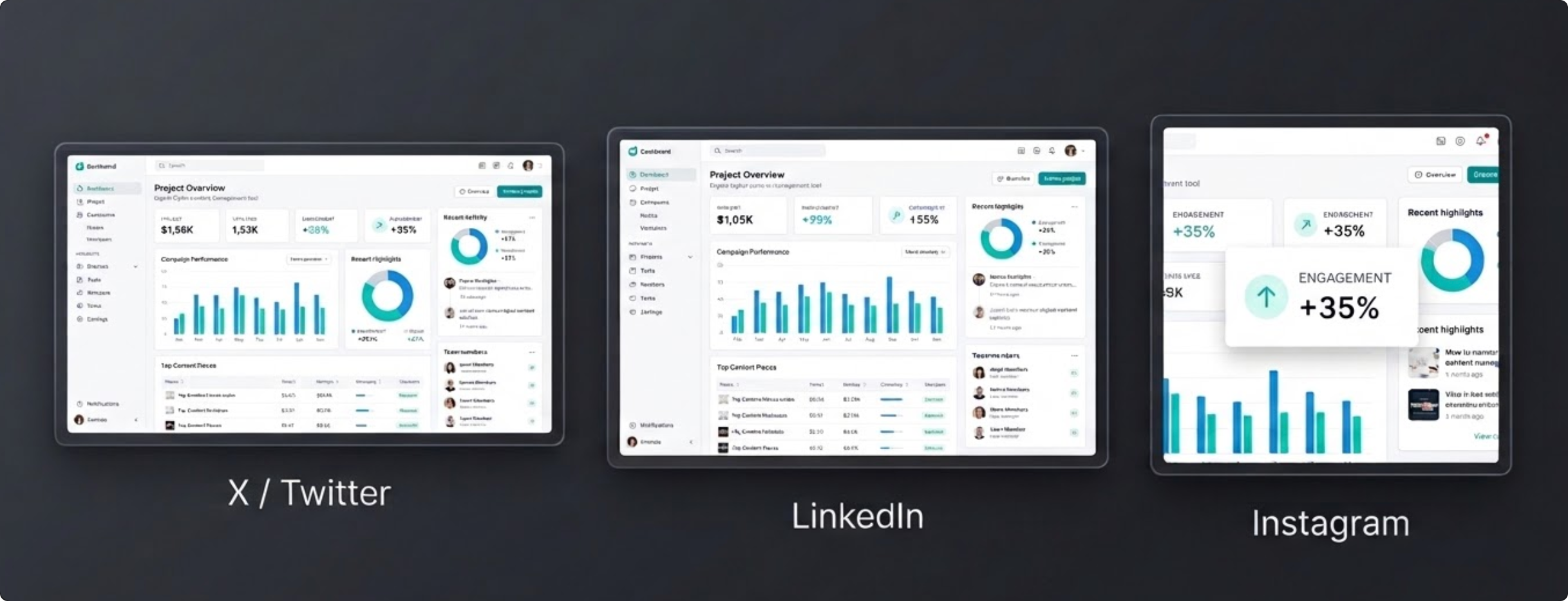
When this use case appears
You are shipping a new feature, opening a waitlist, or publishing a Product Hunt launch, and the screenshot is the main visual in the post. It has to read clearly in a feed, look consistent next to your brand assets, and export to multiple dimensions fast.
Why FramedShot helps
- Browser frames turn raw captures into polished product visuals in one step — see browser mockup generator.
- Social presets remove guesswork on dimensions across channels — see social media presets.
- Side-by-side layouts support before/after or multi-panel launch visuals — see compare screenshots.
- Local-first processing means launch visuals never upload to a third-party cloud — see local-first privacy.
Recommended workflow
- Capture the product state that best communicates what changed.
- Apply a browser frame and consistent background padding.
- Pick the target platform preset (X, LinkedIn, Product Hunt gallery) before finalizing crop.
- Export the hero image, then export channel-specific variants from the same source.
Channel-specific launch screenshots
Each launch channel rewards different composition. Feed posts on X need clarity at small sizes; LinkedIn posts benefit from cleaner spacing; Product Hunt gallery images follow a fixed 1270x760 canvas documented in the Product Hunt gallery image size guide.
Start with one master screenshot, then export channel-specific variants rather than styling each post from scratch.
Launch-day screenshot checklist
- Lead image answers one question: "What is launching?"
- Before/after panels use the same frame and padding so the change is the only variable.
- Hero export is readable at mobile feed size, not just on desktop.
- Any sensitive identifiers are redacted before export — see the redaction guide.
For launch weeks that include a side-by-side comparison against alternatives, link to a page in the FramedShot comparisons hub to capture decision-stage traffic from the post.
Make launch screenshots look intentional
Use FramedShot to produce hero, social, and Product Hunt variants from one framed screenshot — all inside Chrome.
Install FramedShot